Explainable rules
Every crawl decision can be understood before and after a run.
Durable, inspectable, reproducible website snapshots. Stored locally and under your control.
 Download on theMac App Store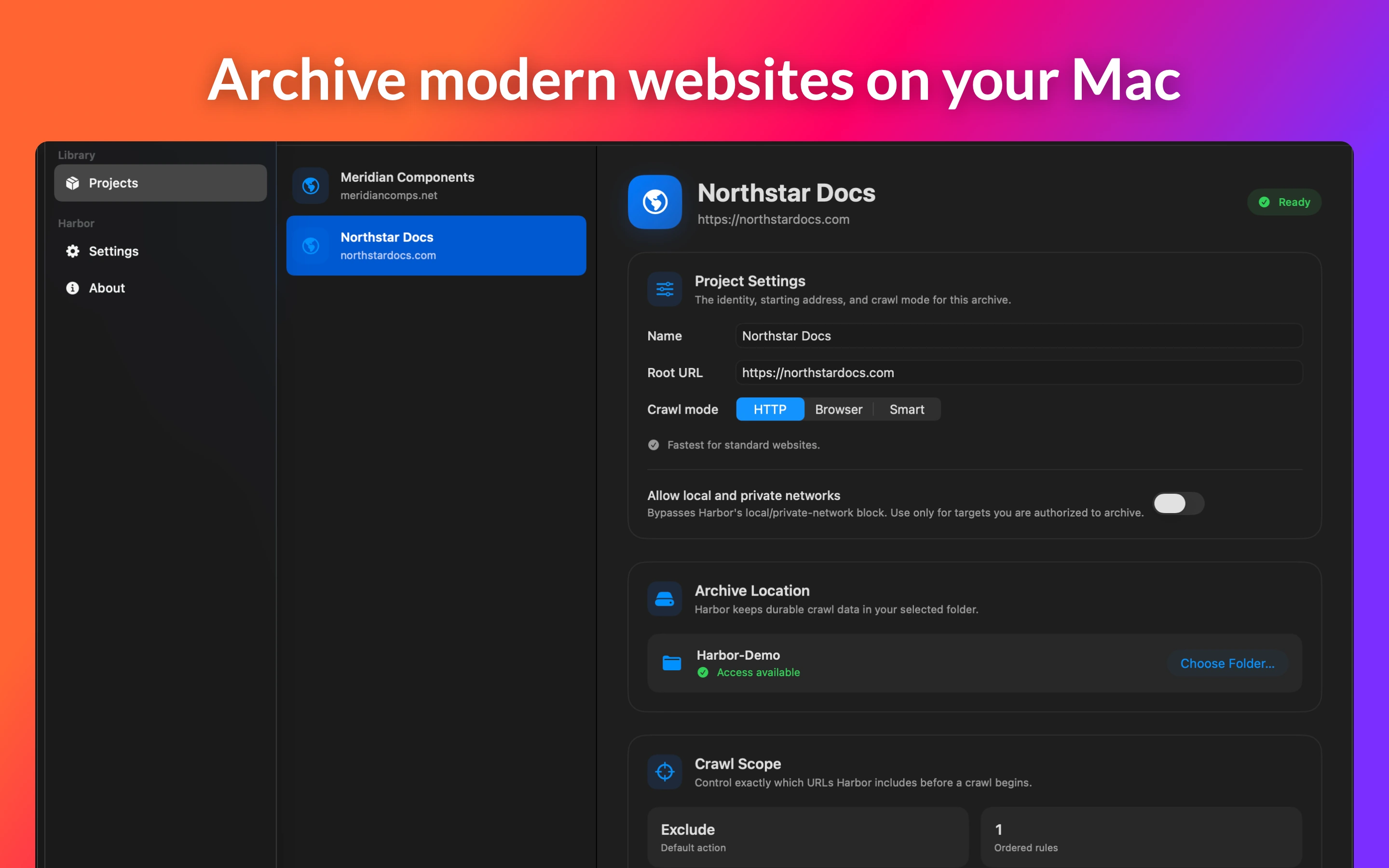
Native macOS website archiving
Harbor creates durable, inspectable, reproducible snapshots without a Harbor account or hosted archive service. Choose fast HTTP crawling, deterministic Browser Mode rendering, or Smart Mode that escalates client-rendered pages when needed.
01 / Scope
Build ordered, typed rules with a visible default action. Test a URL before saving, preserve or normalize query strings, set depth and URL limits, include supporting assets, and keep robots.txt visible in the policy.
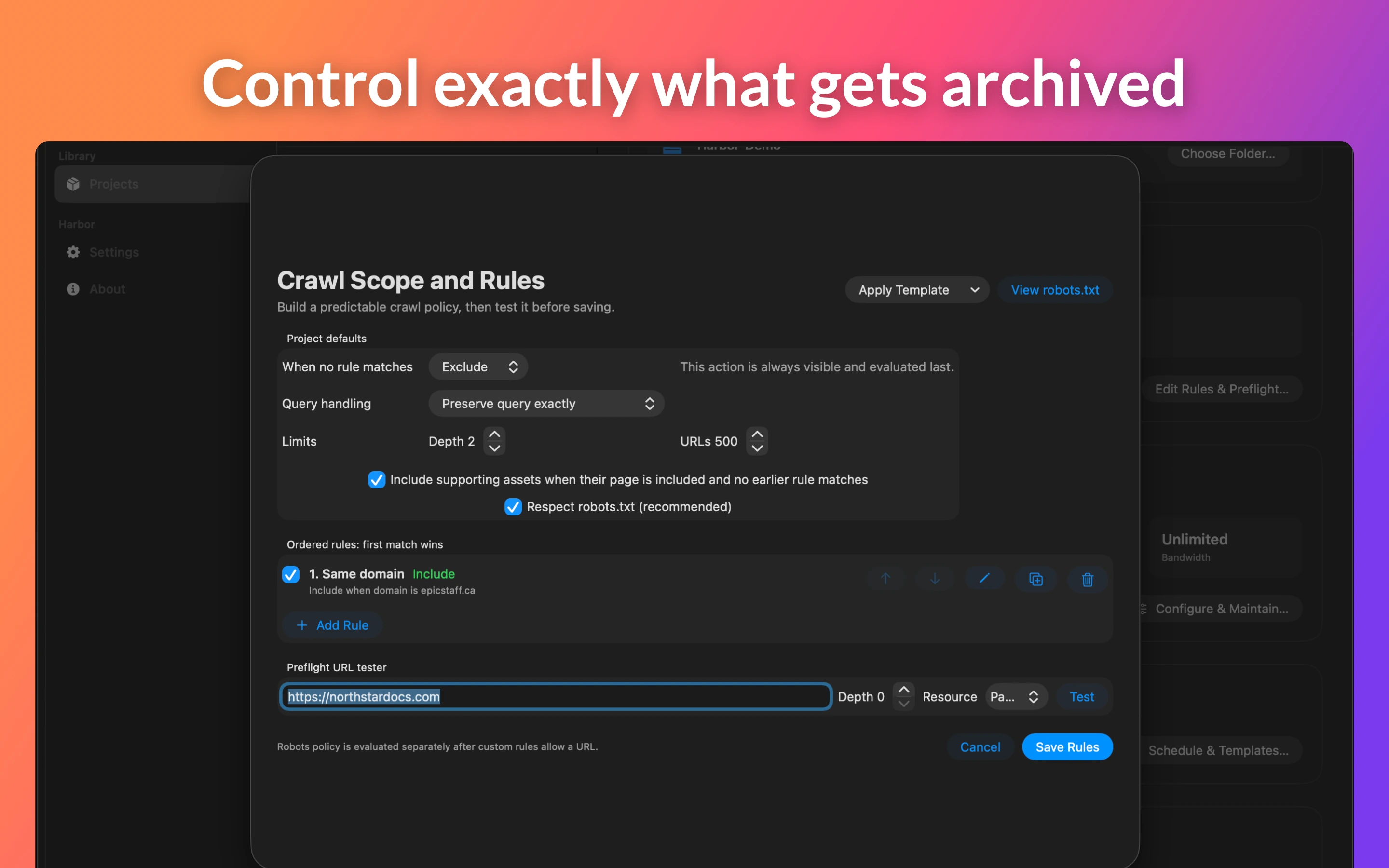
Every crawl decision can be understood before and after a run.
Depth, URL count, workers, retries, request delay, and bandwidth remain explicit.
Each run retains the rules and performance policy used to create it.
02 / Inspect
Follow queue state, workers, hosts, bytes, transfer rate, latency, retries, errors, and the sanitized current URL. Filter Requests, Site Tree, and Errors, then export a redacted structured log.
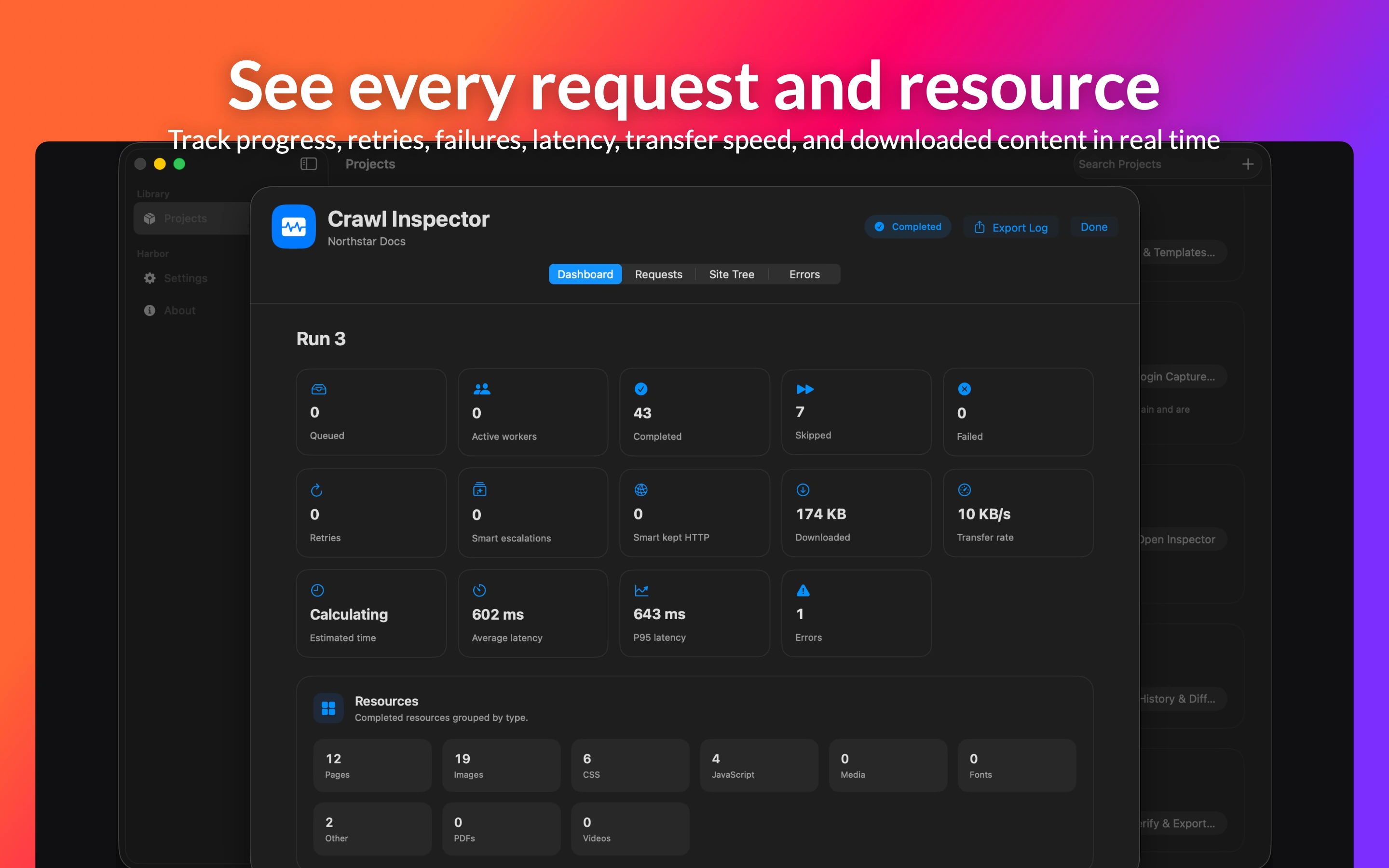
See crawl state change while durable records remain in SQLite.
Review redirects, retries, source mode, rules, robots decisions, and stored representations.
Credentials, cookies, authorization values, and sensitive query values stay out.
03 / Preserve
Keep immutable source evidence and a separate readable offline site. Compare completed snapshots, reuse unchanged objects, inspect bounded text diffs, verify SHA-256 hashes, and export a portable folder or ZIP.
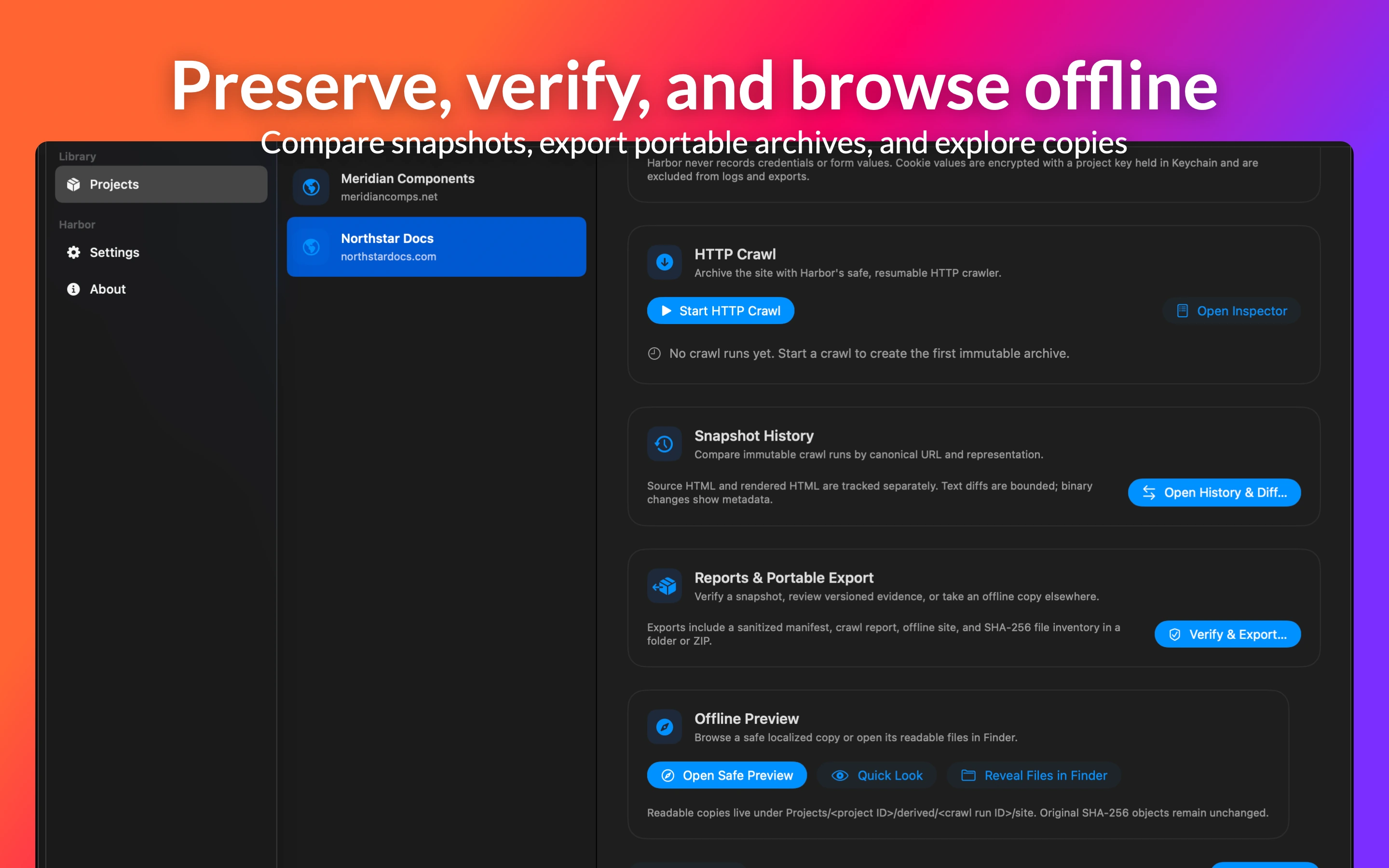
Browse localized copies with live HTTP and HTTPS requests blocked.
Classify new, changed, deleted, redirected, metadata-only, and unchanged resources.
Create folders or ZIPs with sanitized manifests, reports, and SHA-256 inventory.
Harbor combines reliable crawl infrastructure with native macOS workflows, while keeping the archive itself local.
Durable queues, leases, retries, pause and resume, crash recovery, and explicit restart choices protect long-running work.
Browser Mode preserves rendered HTML and screenshots. Smart Mode escalates concrete client-rendering signals automatically.
Login Capture stores cookies only when requested, encrypted with AES-GCM and a per-project key in macOS Keychain.
Use keyboard shortcuts, Quick Look, notifications, optional Finder tags, Spotlight project metadata, and native scheduling.
Templates and replay create new runs from saved roots, modes, rules, network policy, and performance settings.
The in-app experience supports English, French (Canada), German, Japanese, and Simplified Chinese.
Harbor for macOS
Harbor is developed by Ateliers Underlabs Inc. for people who need durable local archives, not another hosted capture account.