Apple TV · Brand illustration, not an app screenshot
10,000 channels. You watch twelve.
Your provider gives you a catalogue. Telly lets you decide what your television looks like.
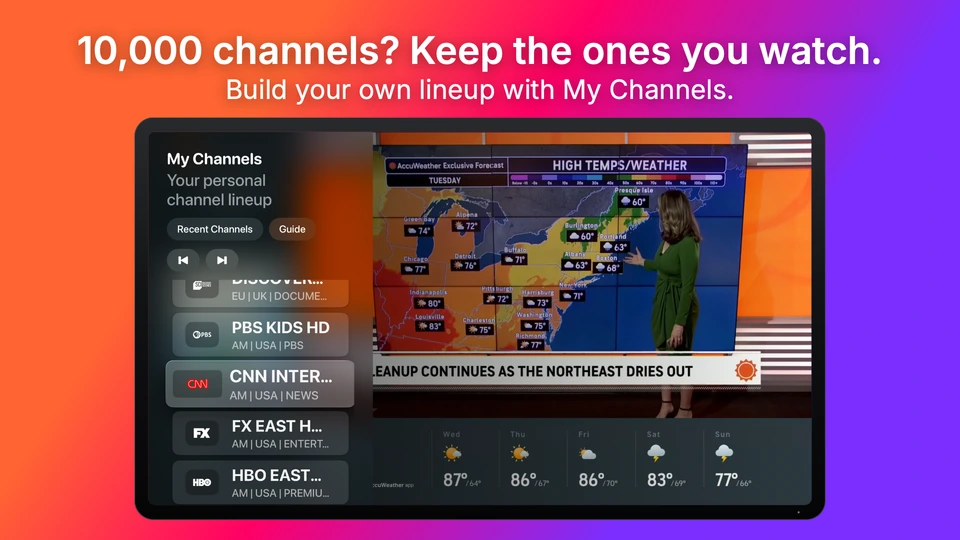
Save an ordered lineup in My Channels. Turn on Simplify Channels to make everyday browsing about the channels you choose.
Simplify Channels is optional and off by default. Search and Complete Library still reach your broader contributed catalogue. Nothing is deleted. Your saved lineup keeps its order through refresh and relaunch; unavailable channels return when available again.
Telly on Apple TV · My Channels during live playback
Personal television
Organized around your evening.
A Collection for Saturday movies. Another for the kids. Bring together the channels, movies and series you choose from your own catalogue.
Saturday MoviesSportsKidsFrench TVNews
Example Collection names, created by you.
Already have your lineup?
Bring your list.
Paste channel names separated by semicolons or line breaks into Add Channels from List. Review matches from your local catalogue and add the ones you choose to My Channels.
Morning News; French TV; Weekend Sport; Evening News
A place to start
Build My TV.
Choose your interests. Telly finds suggestions in your own local catalogue. Review them before saving your lineup.
Your choices, in your order.
Settle into television
Find your next watch. Stay in the moment.
See what’s on with the Guide when your source supplies programme data. While watching live TV, Quick Switch brings My Channels and Recent Channels within reach.
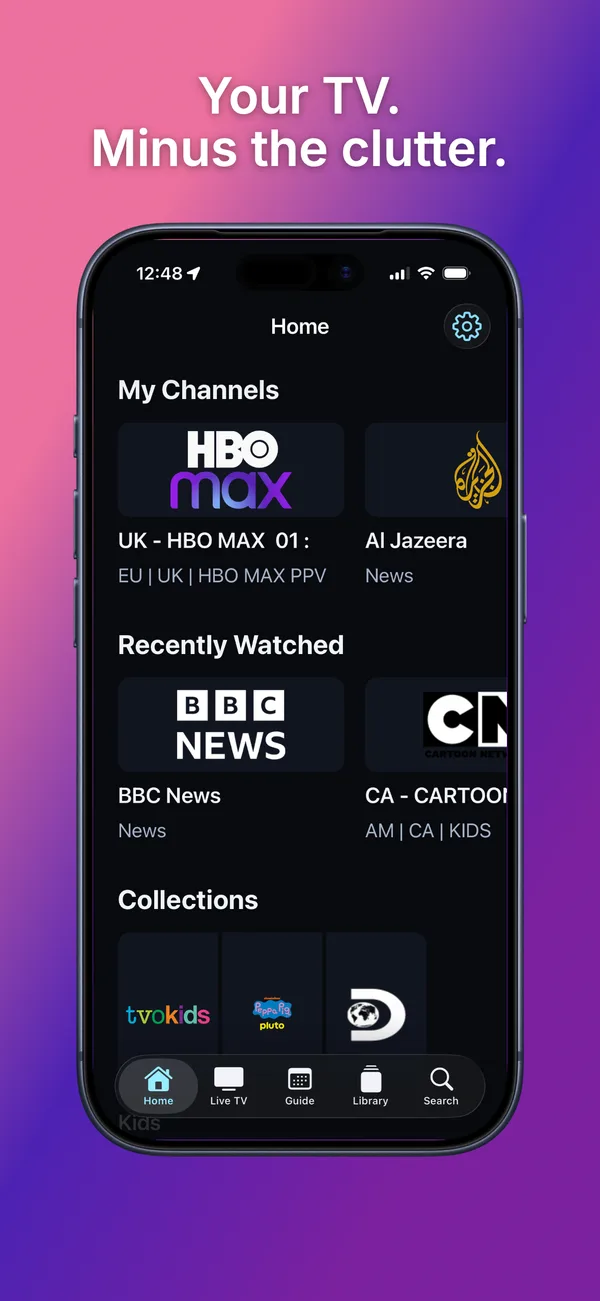
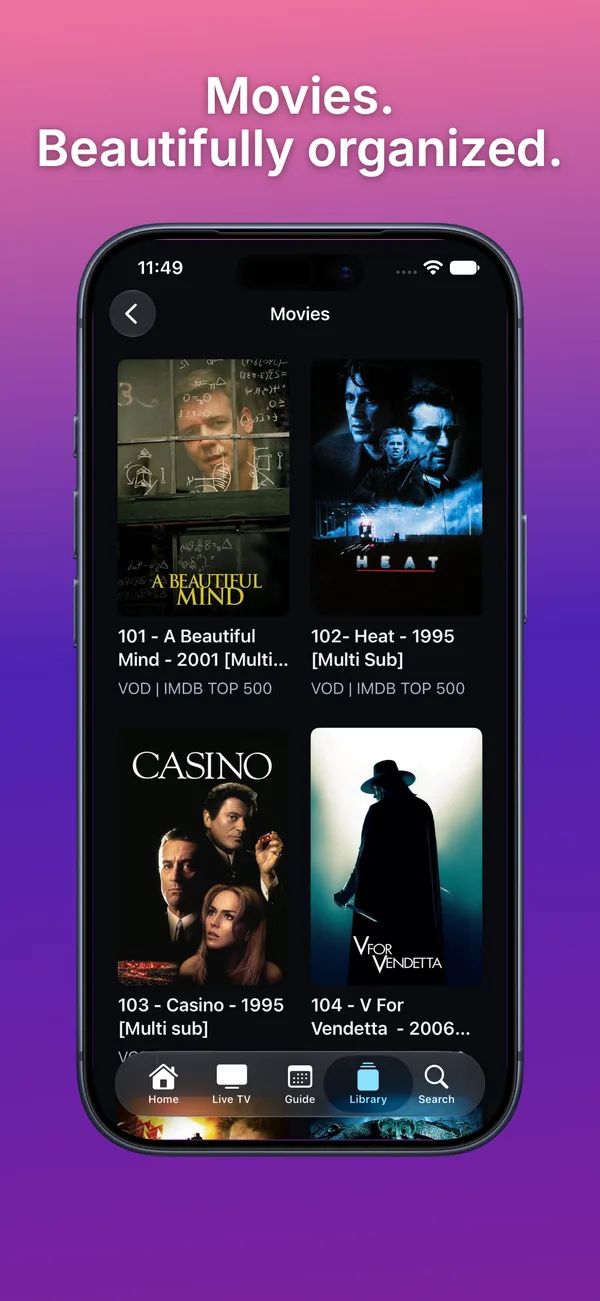
Your personal library on iPhone.Movies, organized and ready to browse.
Keep watching.
Previous and Next move through your lineup. Open the Guide from playback, or choose Start Telly on Last Channel in Settings.
Something for tonight.
Browse Movies and Series, search your library, or return to Recently Watched.
Your sources, together
One television. However many sources it takes.
Add compatible M3U and Xtream sources to one local catalogue. Choose whether each supported provider contributes Live TV, Movies or Series where available.
Source OneXtream
Sports SourceM3U
Family SourceXtream
One personal library.↓
Illustrative source names. Bring your own compatible sources.
The free access period does not renew or automatically charge when it ends. Lifetime Access is a separate one-time purchase.
Your 14-day trial and Lifetime Access work on Apple TV, iPhone and iPad with the same Apple Account.
Restore Purchases is supported in Settings.
Your sources. Your credentials. Your lineup. Your Telly.
Your devices, in sync
No Telly account required. Your source configuration and credentials are stored in Apple Keychain. iCloud sync keeps your personal library in sync across your Apple TV, iPhone and iPad signed in to the same iCloud account.
Telly does not sync your personal library to an Underlabs server. It connects directly to the sources you add, whose privacy practices apply.
No. Telly is a player and organizer for your own compatible sources. It does not supply channels, movies, series, playlists or provider accounts. You need permission to watch the content you add.
What sources can I use?
Telly supports compatible M3U playlists and Xtream sources. XMLTV / provider EPG can supply the TV Guide where supported. Programme data and playback compatibility depend on your source.
How do the 14 free days work?
Activate the free 14-day access period in the app. It does not renew and you will not be charged when it ends. Your trial works across Apple TV, iPhone and iPad. Lifetime Access is a separate one-time purchase for all three platforms with the same Apple Account. There is no subscription to cancel. Restore Purchases is available in Settings.
What happens if my access expires?
Your saved providers and personal library remain on your devices. Lifetime Access restores access to browsing and playback.
Can I use Telly on iPhone or iPad?
Yes. Telly is available for Apple TV, iPhone and iPad. Your 14-day trial and Lifetime Access work across all three platforms.
Does Telly sync across my devices?
Yes. iCloud sync keeps your personal library in sync across Apple TV, iPhone and iPad when you use the same iCloud account.