
Connected inventory and applied AI
Organize-it!
A mobile inventory product connecting NFC and QR labels, shared bins, AI photo capture and in-app customer support.
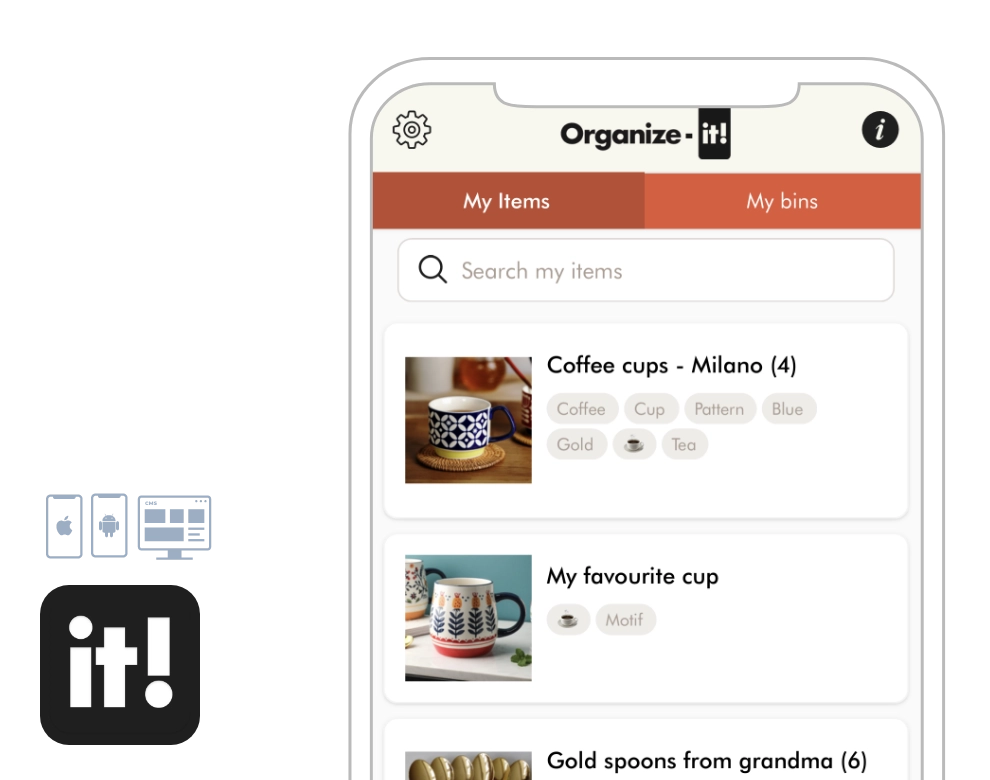
- iOS
- Android
- NFC / QR
- Shared inventory
- AI integration
Context and challenge
Challenge
Help people find what they have stored without opening every bin or manually documenting every object. The same product needs to support shared access, interrupted connectivity and questions about physical tags.
Product and system built
For GSC Technologies Inc., Underlabs engineered the mobile application, cloud-backed inventory workflows and AI integrations. A bin’s NFC tag or QR code opens its digital inventory; item photos, names and keywords make the contents easier to identify and search.
Grounded outcome
Organize-it! belongs to GSC Technologies Inc. Its AI Photo to Items flow and in-app AI customer support are live and used by customers. The engineering connects physical storage, a searchable inventory and assistance inside the same product.
From a physical label to a shared inventory
NFC and QR labels identify a bin and connect it to its stored items. Photos give visual context, while names and keywords support search. Shared bins let authorized people work with the same inventory. Underlabs connected these mobile interactions to the account, sharing and cloud-data workflows behind them.
Working through interrupted connectivity
The iOS implementation keeps inventory data and images locally and queues supported record changes for later synchronization. Shared access, image uploads and server-side AI still depend on their respective network workflows. Offline support is scoped to those local-data and deferred-save paths.
AI within the inventory workflow
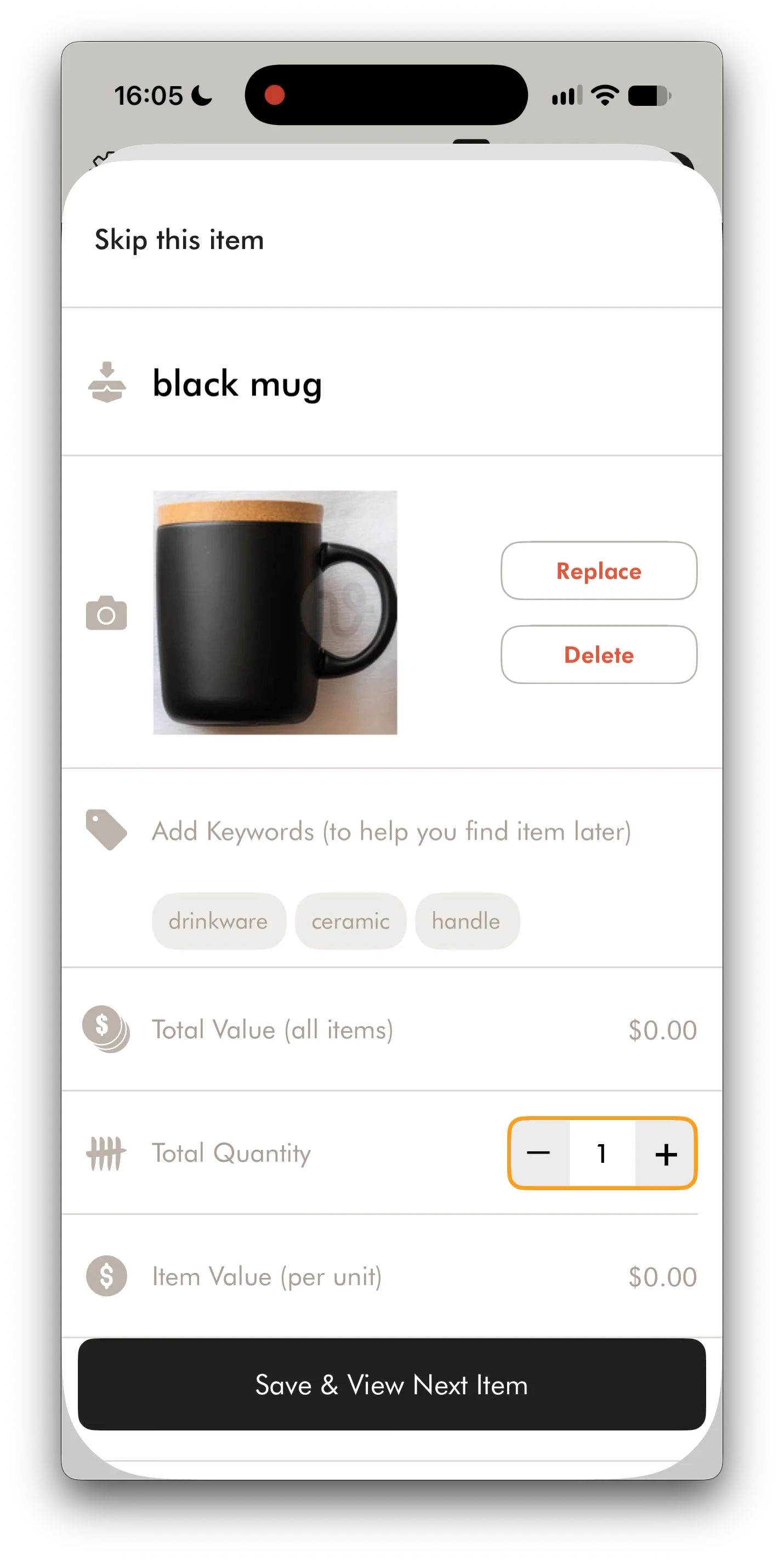
Photo to Items sends a captured or selected photo for server-side analysis. The application uses the returned object regions to prepare individual photos and pre-fills item names and keywords. Each proposed item opens in the existing editor, where the person can correct it, skip it or save it to the current bin before moving to the next item.
This case study describes engineering work documented by Underlabs. No unverified performance metric is presented.
Photo to Items, in production
From one photo to a searchable inventory
AI prepares the item records. The person decides what becomes part of their inventory.
Screenshots from the application. Select an image to view it at full size.
Capture
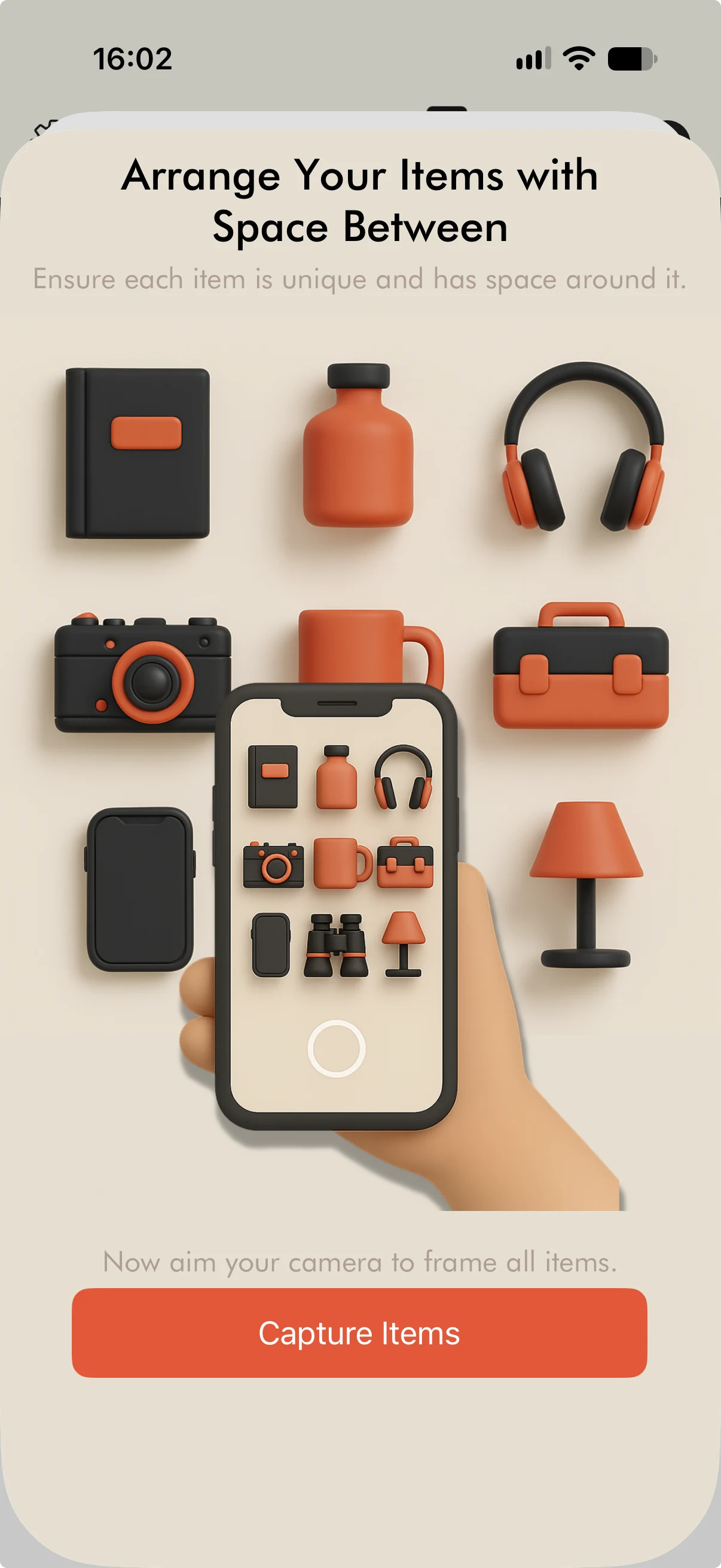
An in-app guide asks people to space objects apart and photograph them together. They can also choose an existing photo.
Identify
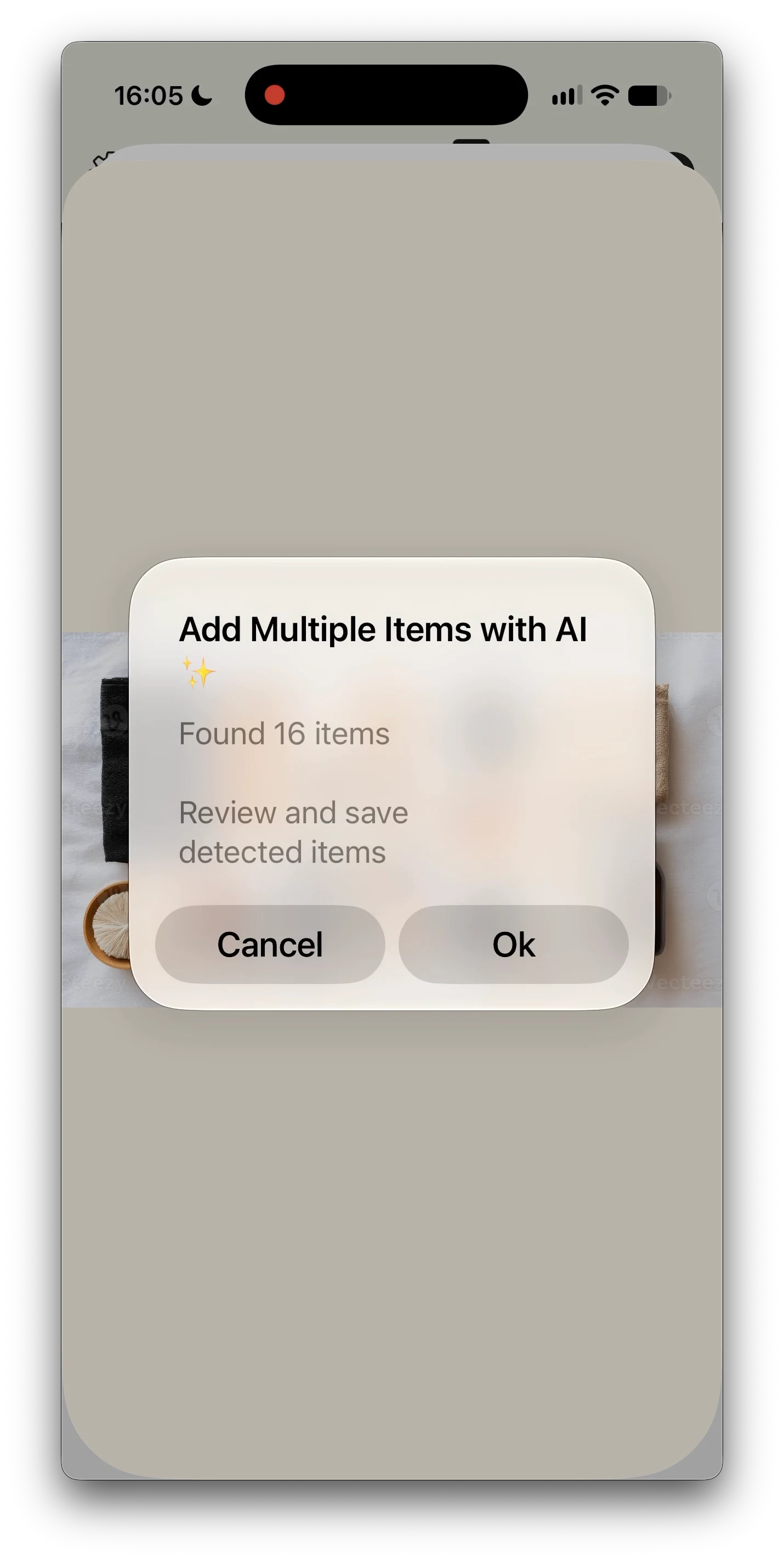
Server-side analysis returns the detected objects. In this example, the application finds 16 items to review.
Review and save
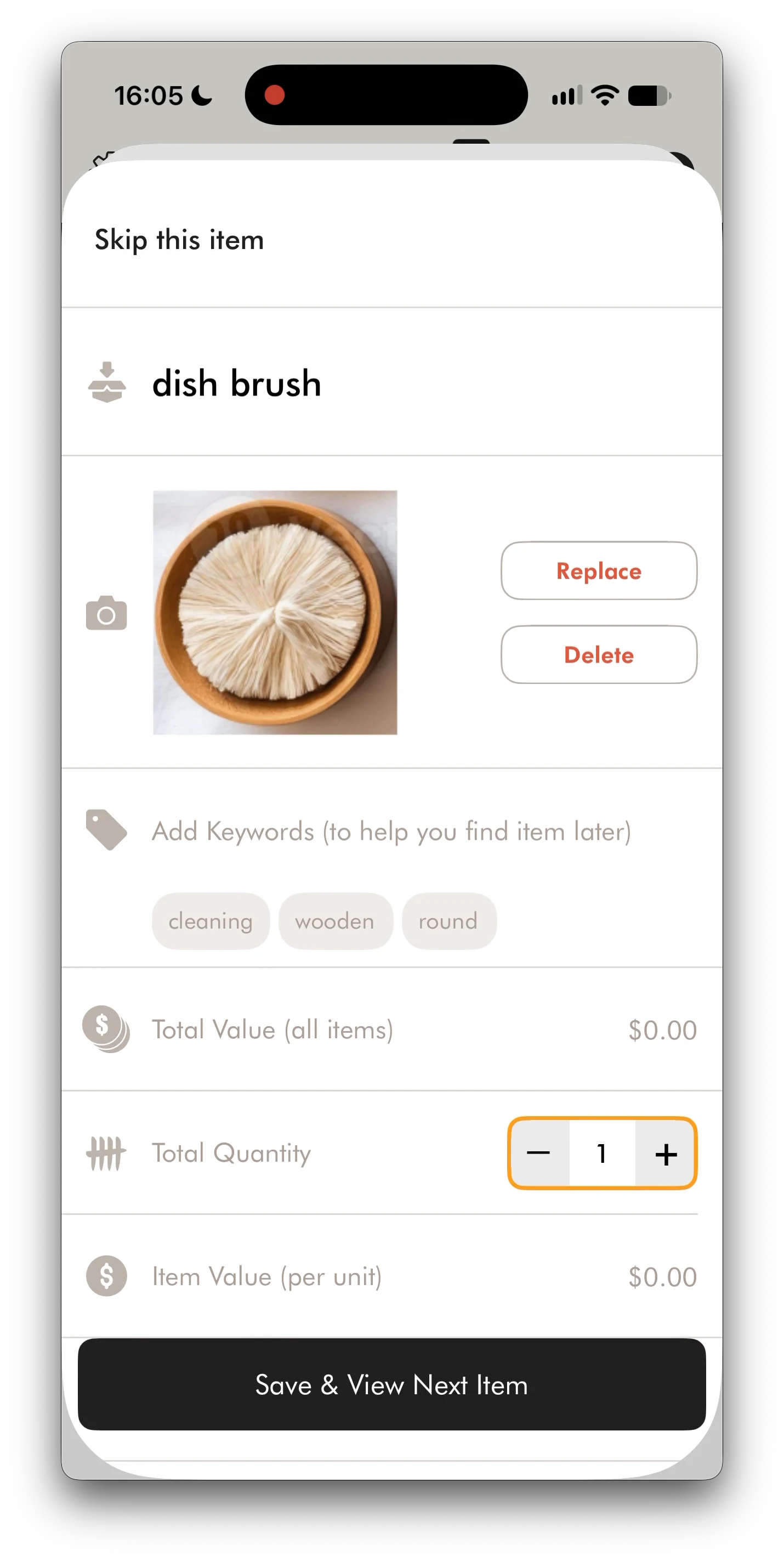
The black mug becomes an item record with a cropped photo, name and keywords. Each item can be edited, skipped or saved.
Another item in the same flow
One group photo, individual records
The dish brush shows the same review step for another object. Its photo and keywords belong to its own record, while quantity and save controls stay consistent.
Saved names and keywords then support inventory search.
AI customer support, in production
Help with the problem, inside the application
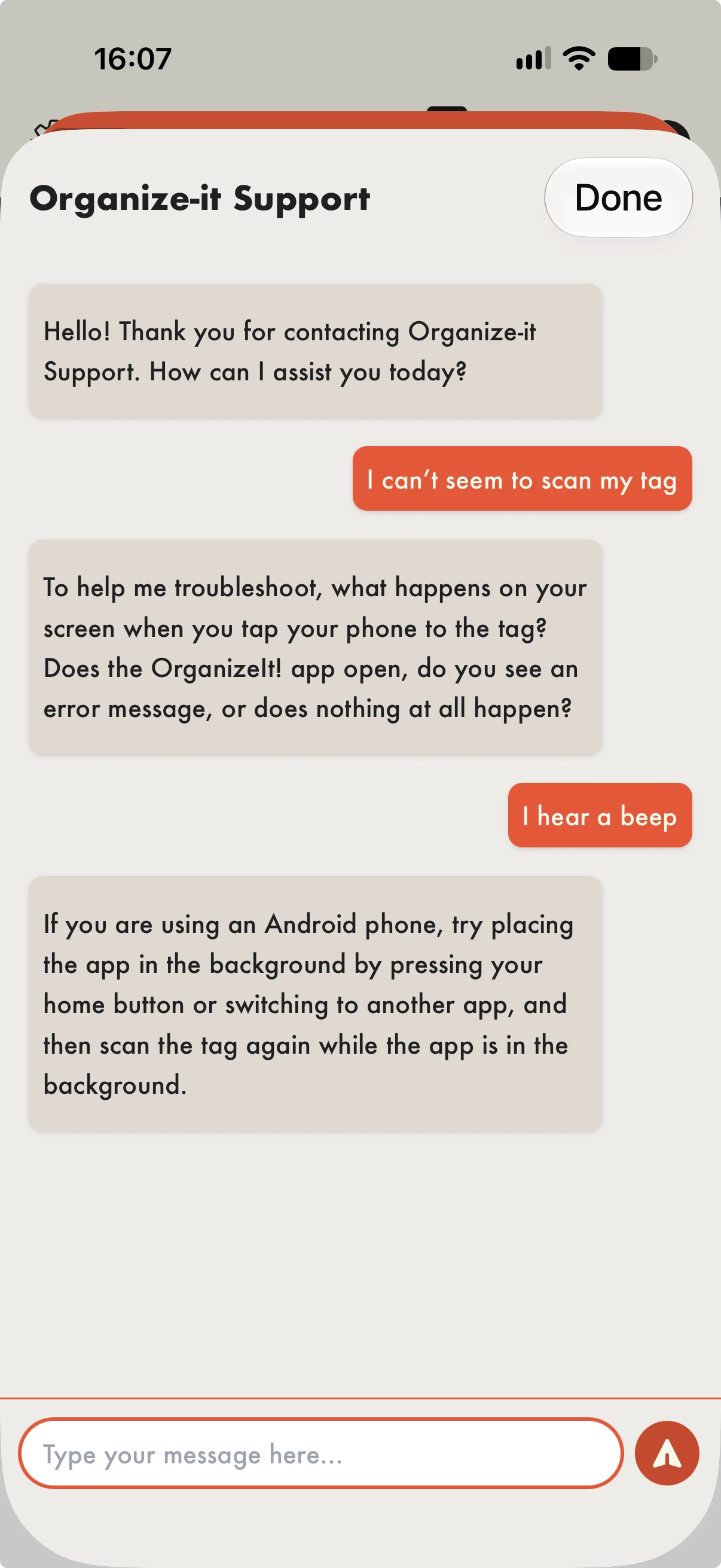
Support is part of the product. The assistant helps with NFC tags, accounts, sharing and application features.
Start with what the person observes
In the exchange shown here, a tag does not scan as expected. The assistant asks what happens on screen, then uses the reply “I hear a beep” to suggest a troubleshooting step.
Connect answers to product documentation
The service supplies the model with bundled support guides, device context and conversation history. Its instructions favour a useful diagnostic question or a few targeted actions, depending on the problem.
Provide a path to the support team
The assistant can explain documented steps but has no access to inspect or modify an individual account. Its instructions call for an email handoff when troubleshooting is insufficient or account-specific investigation is needed.
Next project
EpicStaff
A platform connecting hospitality businesses with available staff for time-sensitive shifts.